Software

Complex Motion. Simple Programming.

1

Design & simulate

Build Flyway layouts, define stations and motion sequences visually, and validate your system in emulation before touching hardware. Export to Visual Components, iPhysics, or Emulate3D for full-machine simulation.

↓ SEE TOOLS

2

Develop & integrate

Use your existing automation environment (Siemens, Rockwell, Beckhoff, Omron, Keyence, and more) or code directly in Python, C#, MATLAB, or LabVIEW.  

↓ SEE PLATFORMS

3

Run & produce

Collision avoidance, traffic management, and automated initialization are built in, ensuring reliable operation across variable conditions. Flexible routing, STO and accident recovery keep uptime high when there are issus in production.

↓ SEE CAPABILITIES

Design & simulate

Visual tools for building, testing, and commissioning your system.

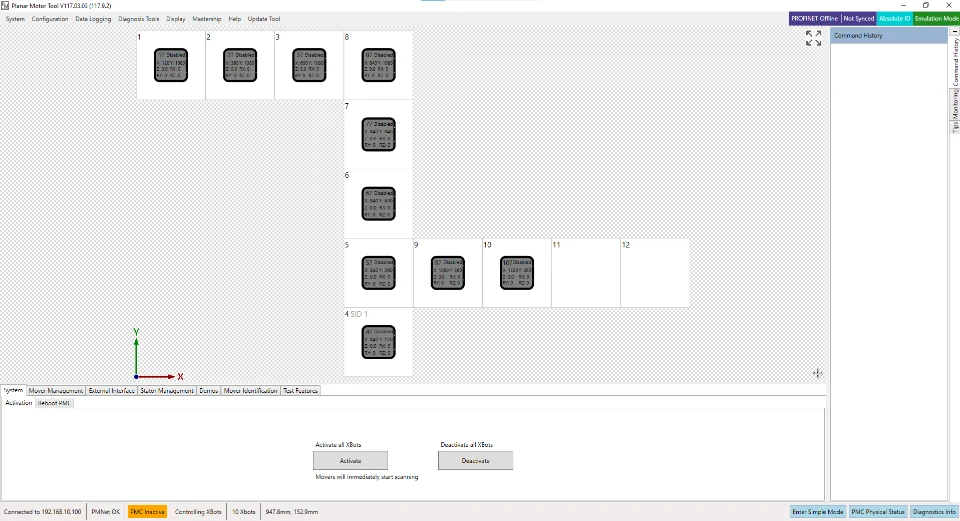
PMI Emulation screenshot

Planar Motor Tool (PMT)

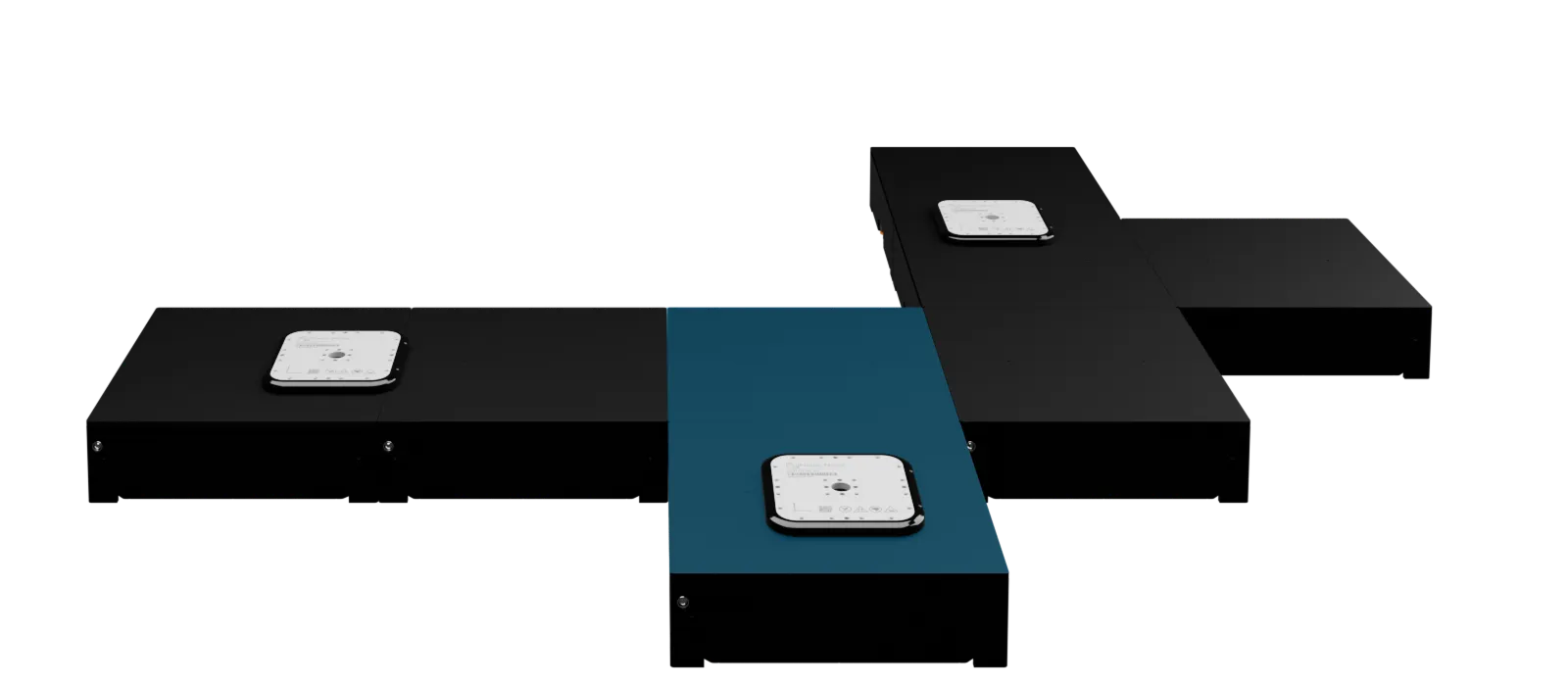
Build Flyway layouts graphically, run full emulation without hardware, and test PMLib commands interactively — then switch to your real system with no code changes.

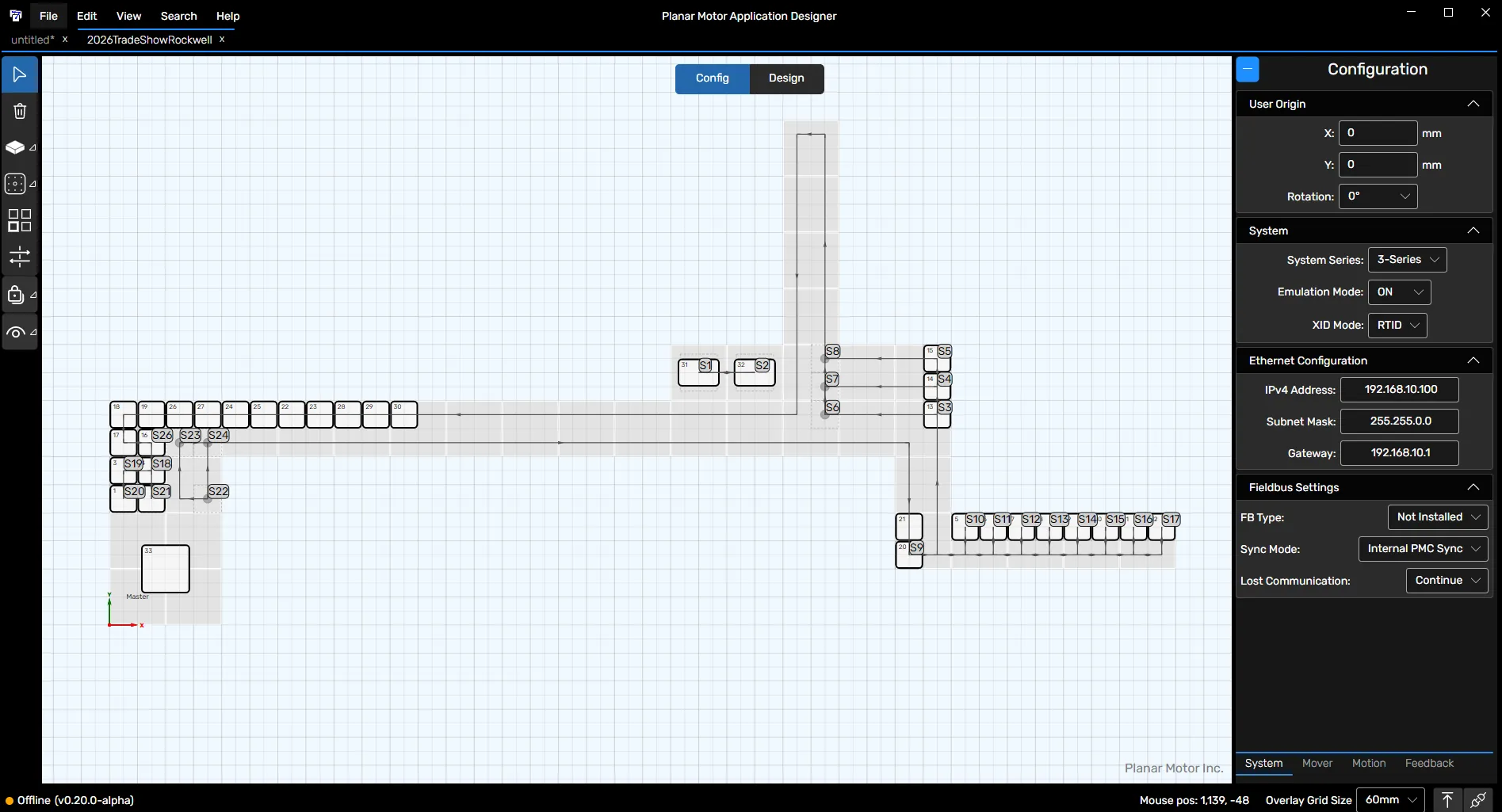
Application Designer

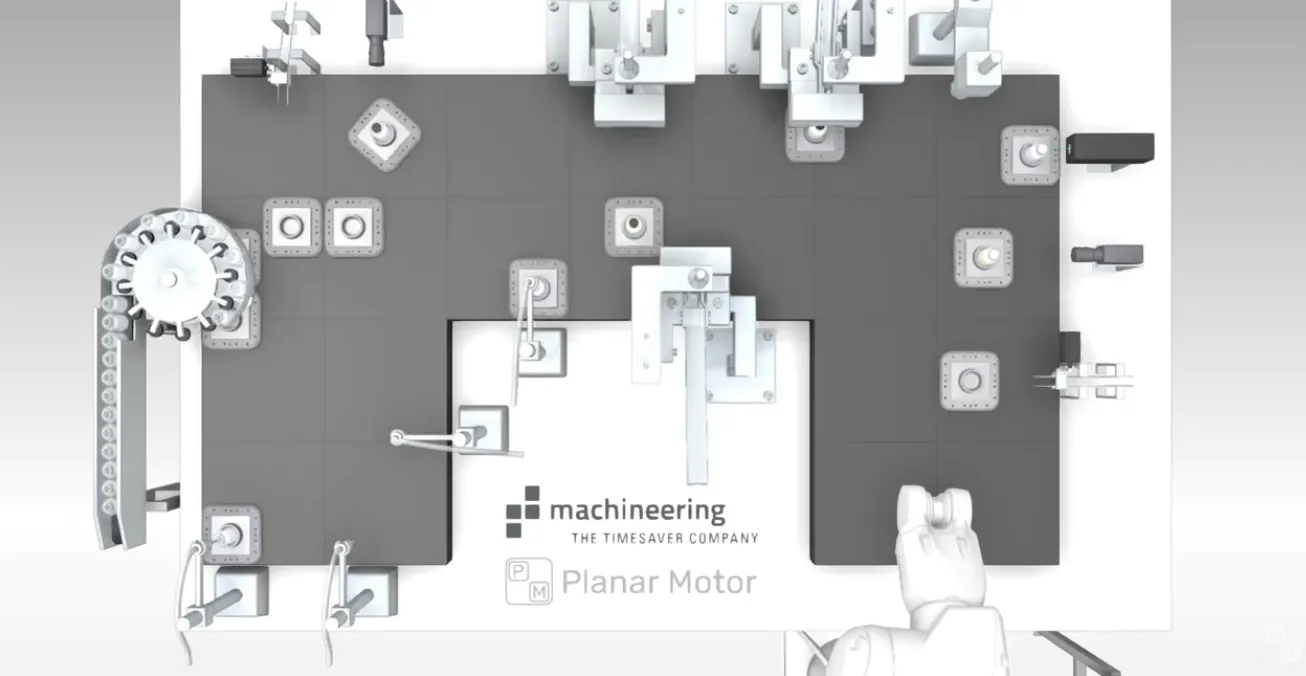
A visual workflow tool for defining stations and paths so all PLC/PC needs to do is command XBots to stations.
pmi application designer

Platform compatibility

Full Compatibility

The Planar Motor system can be intuitively programmed in all of the leading control platforms. PLC libraries expose both high-level system control and low-level command access, providing flexibility across the full control hierarchy.
MacOS logoMurr Elektronik logoPhoenix Contact logoEthernet Powerlink logoOmron logoMATLAB logoMitsubishi Electric logoRockwell Automation logoPython logoProfinet logoLinux logoctrlX logoLabVIEW logoCODESYS logoacontis technologiesINOVANCE logoMicrosoft logoVisual Studio logoB&R logoIntervalZero logoEtherCAT logoBeckhoff logo Siemens logoCC-Link IE logoWAGO logoKeyence logoEtherNet IP logoSchneider Electric logoABB logocc link logo
Collision avoidance that knows what you're carrying

Every Planar Motor system includes firmware-level collision avoidance — it's always on, requires zero programming, and works at hardware speed. But what makes it exceptional is stereotype awareness.

Design & simulate

Every Planar Motor system includes firmware-level collision avoidance — it's always on, requires zero programming, and works at hardware speed. But what makes it exceptional is stereotype awareness.

Collisions handled automatically

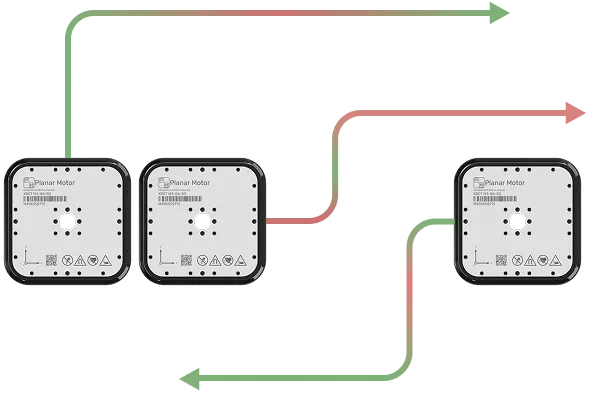
The PMC factors in every stereotype when calculating safe distances. Wide or overhanging payloads? They'll never collide — guaranteed at the firmware level.

Planar motors moving blurred paths

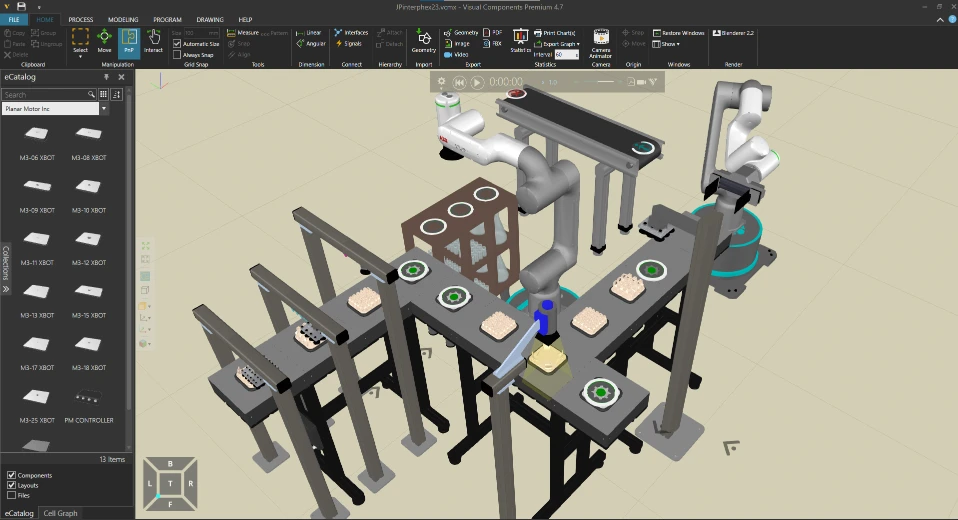
Simulation

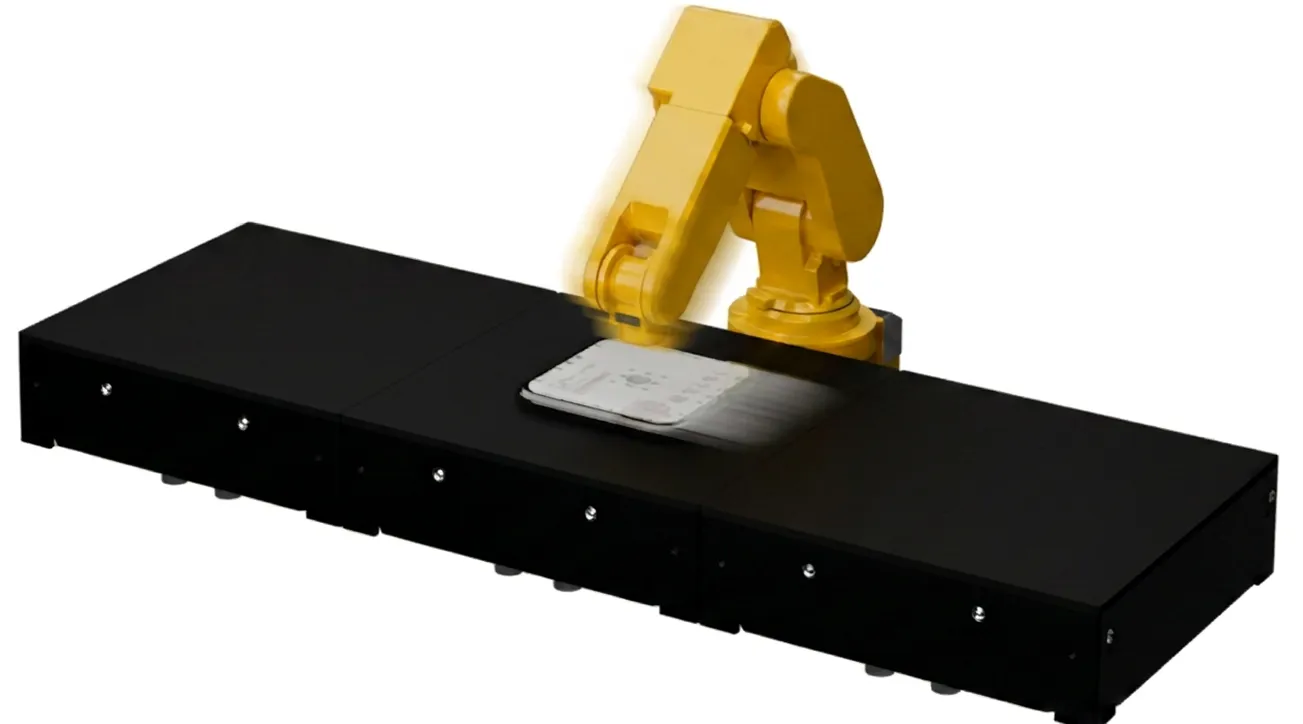
Build your entire system: Planar Motor product catalog available within Visual Components, iPhysics and Emulate3D.
Planar Motor System simulation screenshot

Built-in capabilities

Collision avoidance

The PMC resolves any potential collisions smoothly without stopping the system and account for overhanging products.
reroute xbots

Auto-driving

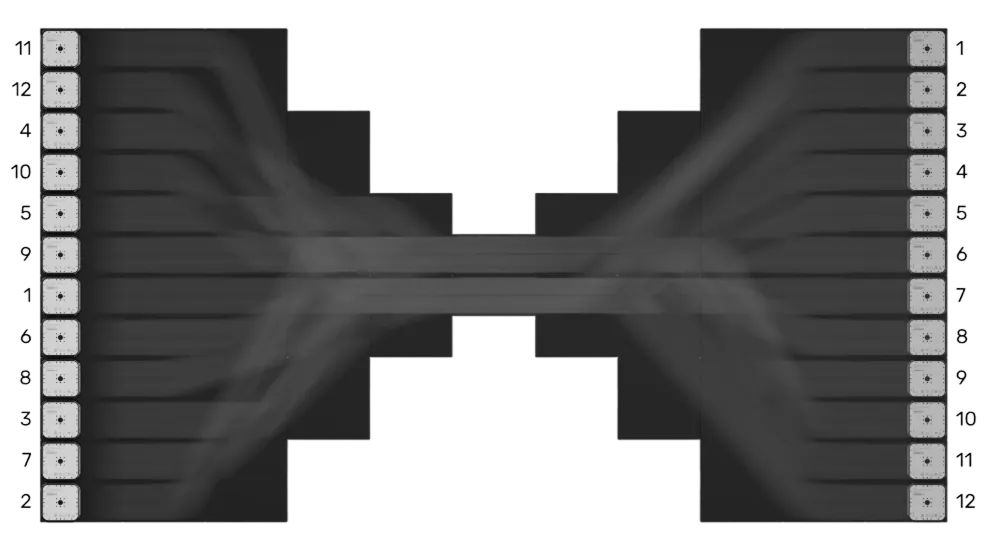
One-command automatically routes XBots to a set of target positions using built-in multi-agent pathfinding.
Planar motors moving blurred paths

Stream mode

Cycle-by-cycle control over XBot positions from the PLC, enabling tight synchronization and coupling with external axes such as robot arms and servo motors.

Zone Control

Designate sections of the system with custom behavior, such as transferring XBots to and from a conventional conveyor, limiting XBot speed in a region, or deactivating an area for maintenance.
new xbot zone management yellow

Absolute ID

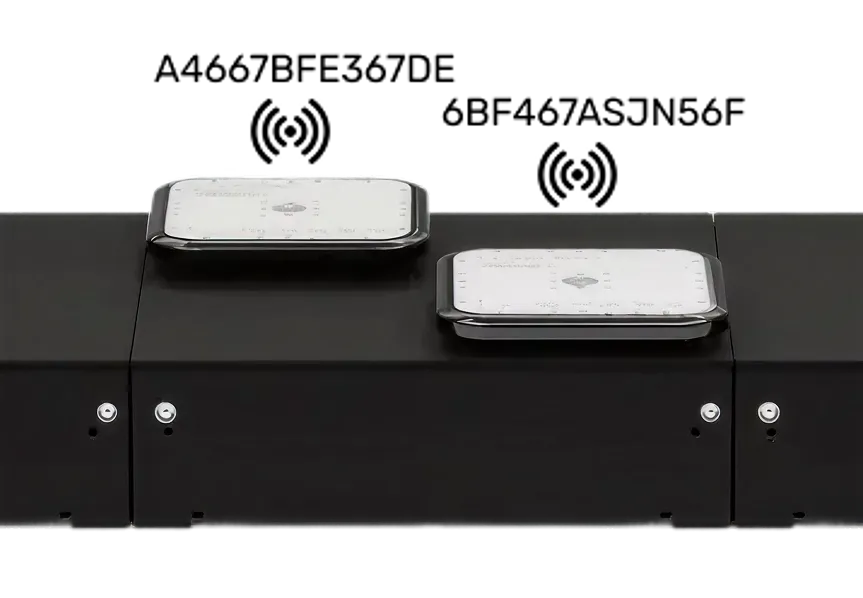
Read each XBot's unique ID and it's orientation.
xbot signals

Commission virtually. Monitor in real time.

Graphically build and simulate Flyway layouts and XBot flows, test PMLib commands interactively during virtual commissioning, and deploy to physical hardware with no code changes required.
stream mode
Planar Motor logoYouTube logoLinkedIn logo

Planar Motor Incorporated © 2025 All rights reserved

Privacy & Cookie Policy